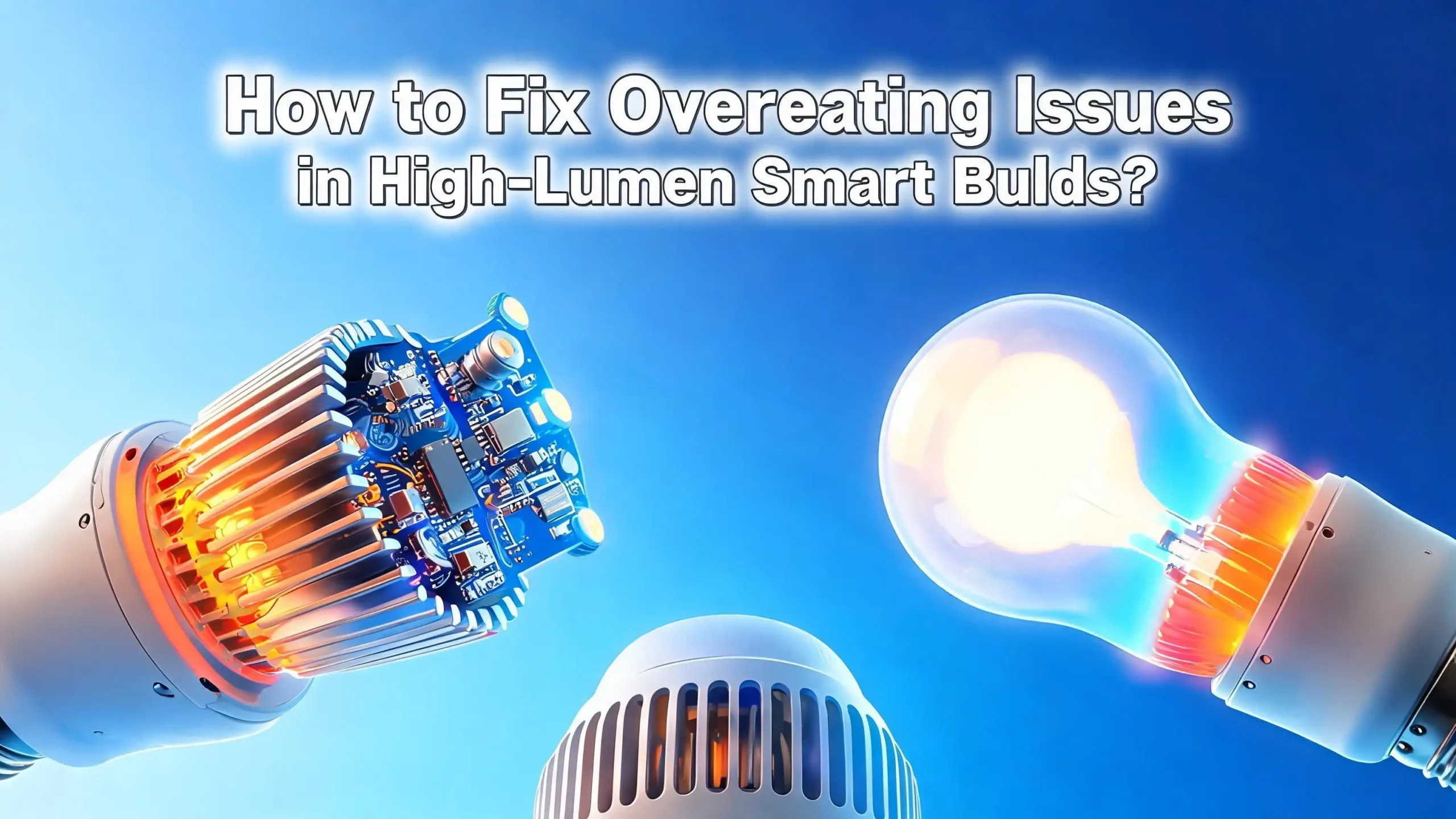
How to Fix Overheating Issues in High Lumen Smart Bulbs?
High lumen smart bulbs bring bright, app controlled lighting into your home. But all that brightness creates heat. When heat builds up, your bulb dims, flickers, drops Wi-Fi, or burns out early.
This guide explains why high lumen smart bulbs overheat and shows you exactly how to fix it. You will learn simple checks, safer fixture choices, smarter wiring habits, and easy cooling tricks.
Each section gives you steps, pros, and cons. By the end, your bulbs will run cooler, last longer, and stay connected.
Key Takeaways
- Heat is the number one killer of LED smart bulbs. A bright bulb pulling more watts produces more waste heat at the base, and that heat damages the driver and Wi-Fi chip first.
- Enclosed fixtures trap heat. If your bulb is not rated enclosed fixture safe, swap it for one that is, or change the fixture so air can move freely.
- Wattage and lumen ratings must match the socket. Never push a 150 watt equivalent bulb into a fixture rated for 60 watts, even though LEDs draw fewer real watts.
- Dimmers and smart switches must be compatible. A mismatched dimmer is a hidden cause of buzzing, flicker, and severe overheating.
- Airflow, placement, and ambient temperature matter a lot. Bulbs in attics, bathrooms, ceiling pockets, or under tight shades run hotter than the same bulb in an open lamp.
- Firmware updates and brightness limits help too. Many overheating problems disappear after a quick firmware push or a small drop in maximum brightness.
Why High Lumen Smart Bulbs Overheat in the First Place
A high lumen smart bulb is not just an LED. It is a tiny computer with a radio and a power supply packed inside a small shell. Each part produces heat. The brighter the bulb, the more heat it makes.
The LED chips themselves create heat at the junction, which is the point where electricity becomes light. Older incandescent bulbs released heat as infrared light into the room. LED chips must push heat backward through metal, into a heat sink at the base.
The driver, which converts wall voltage into safe LED voltage, is the second big heat source. The Wi-Fi or Zigbee chip adds a third source of heat. When all three sit inside one small bulb, the base gets very hot.
Pros of understanding the cause:
- You stop blaming the brand and start fixing the real issue.
- You make smarter buying choices next time.
Cons of ignoring it:
- Your bulbs keep dying every few months.
- You waste money on replacements that fail the same way.
Check the Fixture Rating Before You Blame the Bulb
Most overheating starts with the wrong fixture. Look inside your fixture for a small sticker. It tells you the maximum wattage and whether the fixture is open or enclosed.
A high lumen smart bulb with a 100 watt or 150 watt equivalent rating still produces real heat at the base, even if it draws only 15 to 22 actual watts. If the fixture says 60 watt maximum, you must respect that limit. Many people miss this and install bulbs that are too powerful.
If the sticker is gone, treat the fixture as a 60 watt limit by default. Then ask yourself: does the bulb sit in a fully enclosed glass dome, a sealed outdoor lamp, or a tight recessed can? If yes, you need an enclosed fixture rated smart bulb.
Pros of checking the rating:
- It is free and takes one minute.
- It often solves the problem on its own.
Cons:
- You may need to buy a new bulb that fits the rating.
- Some fixtures have no visible label, which means a guess.
Move to Enclosed Fixture Rated Smart Bulbs
Many high lumen smart bulbs carry a clear warning: not for use in fully enclosed fixtures. People ignore it, and the bulb cooks itself. The fix is simple. Buy a bulb that is officially enclosed fixture rated.
Enclosed rated bulbs use better heat sinks, lower internal temperatures at full brightness, and higher quality drivers. They are tested at higher ambient temperatures, often up to 45 or 50 degrees Celsius, while regular bulbs are tested at 25 degrees.
Check the spec sheet or the side of the box. Look for the words suitable for enclosed fixtures or a small icon showing a closed dome. If you cannot find it, assume the bulb is not rated.
Pros of enclosed rated bulbs:
- They survive in bathrooms, porches, and globe lamps.
- Warranty claims are easier to win.
Cons:
- They cost a bit more than standard bulbs.
- Some smart features may be limited on these models.
Reduce the Maximum Brightness in the App
Here is a trick most people forget. You do not need every bulb at 100 percent all the time. Smart bulbs let you cap the brightness through the companion app or through scenes.
Drop the maximum to 80 or 85 percent. The room still looks bright to the human eye, because brightness is logarithmic, not linear. But the heat output drops a lot. The driver runs cooler, and the Wi-Fi chip stays stable.
You can also build a schedule that lowers brightness during the hottest part of the day. For example, set the bulb to 70 percent between noon and 4 pm in summer. Some apps even support a thermal throttle mode.
Pros of brightness capping:
- It is free, instant, and reversible.
- It extends bulb life by months or years.
Cons:
- You lose a small amount of peak brightness.
- Not every brand offers this setting.
Improve Airflow Around the Bulb
Air is a free coolant. The more air that moves past the heat sink, the better. Open lamps with thin shades dissipate heat faster than tight glass jars. Take a quick look at each fixture in your house.
If a lamp has a tight fabric shade pressing against the bulb, loosen it or pick a wider shade. If a ceiling fan light kit has a small glass globe, see if you can leave a small gap. Even a centimeter of breathing space helps.
In closets and pantries, leave the door open for a minute after turning off the light. The trapped hot air escapes, and the bulb starts cooler the next time. Avoid mounting bulbs base up in tight cans without ventilation.
Pros of airflow fixes:
- They cost nothing.
- They work for any brand of bulb.
Cons:
- Some fixtures cannot be modified for safety reasons.
- Outdoor bulbs still face sealed housings.
Match the Dimmer to the Smart Bulb
A bad dimmer is one of the most common hidden causes of overheating. Old triac dimmers were built for incandescent bulbs. They send choppy power that confuses LED drivers. The driver fights the signal, heats up, and fails.
Most smart bulbs do not need a dimmer at all. They dim themselves through the app. Replace the wall dimmer with a normal on or off switch. This single change fixes flicker, buzzing, and overheating at the same time.
If you must keep the wall dimmer, buy a LED compatible or trailing edge dimmer. Then check the bulb maker’s compatibility list. Some smart bulbs explicitly say: do not pair with any dimmer.
Pros of removing the dimmer:
- Stops flicker, buzz, and heat instantly.
- Restores full app control.
Cons:
- You may need an electrician for the swap.
- Family members must learn to dim through the app.
Avoid Stacking Bulbs Too Close Together
In track lights, vanity bars, and chandeliers, bulbs sit close to each other. Each bulb heats its neighbor. When all bulbs run at full brightness, the cluster temperature climbs fast.
Space matters. If your fixture allows it, leave at least 5 to 8 centimeters between bulbs. In tight clusters, mix lower lumen bulbs instead of using high lumen bulbs everywhere. A 60 watt equivalent next to a 100 watt equivalent often works better than two 100s.
You can also stagger their brightness through scenes. Set every other bulb to 60 percent. The room still looks even, but the heat load drops.
Pros of spacing and staggering:
- No new hardware needed.
- Reduces cluster temperature by several degrees.
Cons:
- Light may look slightly uneven.
- Some fixtures have fixed sockets you cannot move.
Update the Bulb Firmware
Many people forget that smart bulbs run software. Manufacturers push firmware updates that fix thermal bugs. Some updates add a thermal throttle, others lower idle Wi-Fi power, and others fix a runaway driver loop.
Open your app. Look for a device info or firmware tab. Tap update if one is available. Keep the bulb powered on during the update. Do not flip the switch.
If your app does not show updates, check the brand’s support site. Some brands push updates only when the bulb sits idle for several hours. Leave the bulb on overnight and check the next morning.
Pros of firmware updates:
- Free fix from the manufacturer.
- Often improves Wi-Fi stability too.
Cons:
- Older bulbs may no longer get updates.
- A failed update can brick the bulb in rare cases.
Lower the Ambient Temperature
The hotter the room, the hotter the bulb. Smart bulbs are usually rated for 25 to 40 degrees Celsius ambient. A sealed bathroom, a hot attic, or a sunny porch can push past that.
In summer, run a fan or air conditioner near problem fixtures. In bathrooms, use the exhaust fan during and after showers. Heat and humidity together damage the driver capacitors faster than heat alone.
Outdoor smart bulbs need shade. Direct sun bakes the plastic shell and the electronics inside. Move outdoor lamps under an eave or use a shaded fixture.
Pros of ambient cooling:
- Helps every electronic device in the room.
- Improves comfort for people too.
Cons:
- Higher energy bills if you run AC longer.
- Outdoor temperatures are hard to control.
Pick Bulbs With Larger Heat Sinks
When you shop for replacement bulbs, look at the base. The metal or ceramic ring below the glass is the heat sink. A bigger, finned heat sink moves more heat into the air.
Cheap high lumen bulbs often skip the heat sink to save cost. They use a thin plastic shell instead. These bulbs feel light in the hand. Better bulbs feel heavier because of the aluminum inside.
Some premium bulbs use ceramic heat sinks or hybrid plastic and aluminum designs. Ceramic resists higher temperatures and protects the driver longer. The price is higher, but the bulb lasts much longer too.
Pros of better heat sinks:
- Longer bulb life, often double.
- Stable Wi-Fi even at full brightness.
Cons:
- Bulb is heavier, which some fixtures cannot support.
- Costs more upfront.
Use a Smart Switch Instead of a Smart Bulb
If a fixture keeps killing smart bulbs, the fixture itself may be the problem. Switch to a regular LED bulb plus a smart wall switch. The switch sits in the wall, where there is plenty of cool air, and the bulb runs cool because it does not carry a Wi-Fi chip.
Smart switches give you app control, voice control, and schedules without the heat penalty. They work well for ceiling fans, outdoor floodlights, bathroom vanities, and recessed cans.
Some smart switches also report energy use and temperature. You get more data and fewer dead bulbs. This is the best long term fix for problem fixtures.
Pros of smart switches:
- One switch controls many bulbs.
- No more bulb overheating in tough spots.
Cons:
- Installation requires neutral wire and basic wiring skills.
- Loses per bulb color control.
Check the Voltage Coming Out of Your Wall
Wall voltage that runs too high makes every bulb hotter. In some homes, voltage sits at 125 or 127 volts instead of the expected 120. Over time, that small extra pressure cooks the driver.
Use a basic plug in voltage meter or multimeter. Test a few outlets. If readings stay above 125 volts, call your utility company. They can adjust the transformer tap on your street.
For sensitive circuits, install a whole house surge protector at the panel. It blocks spikes from lightning, appliances, and grid switching. Spikes are short, but they still wear out smart bulb drivers.
Pros of voltage checks:
- Protects every device in the house.
- Often free if the utility owns the issue.
Cons:
- Requires a meter or an electrician.
- Whole house surge protectors cost extra.
Replace Bulbs in Hot Zones With Lower Lumen Models
You do not always need 1500 lumens. Sometimes 800 lumens does the same job with half the heat. Walk through your home and ask which fixtures truly need maximum brightness.
Hallways, closets, and accent lamps rarely need high lumen output. Save the bright bulbs for kitchens, garages, and reading lamps. Mixing bulb sizes by room cuts heat where it matters most.
If you already own high lumen bulbs that overheat, move them to open fixtures with good airflow. Put smaller bulbs in the tight, sealed, or hot spots.
Pros of right sizing:
- Lower power bill.
- Longer bulb life across the home.
Cons:
- You must buy a few replacement bulbs.
- Takes time to plan room by room.
When to Stop Fixing and Replace the Bulb
Sometimes the bulb is simply done. If you smell burning plastic, see brown marks on the base, or hear crackling sounds, unplug or unscrew it right away. Do not try to fix it.
A bulb that flickers after every fix, drops Wi-Fi within minutes, or feels dangerously hot to touch is a safety risk. Throw it in your local e waste bin and replace it with a new model from a trusted brand.
Keep the receipt and serial number for warranty claims. Many smart bulbs come with two to three year warranties. Manufacturers usually replace bulbs that overheat within the warranty period.
Pros of replacing:
- Removes the fire risk.
- Often free under warranty.
Cons:
- Cost of a new bulb if outside warranty.
- Time spent on returns.
FAQs
Is it normal for a smart bulb to feel warm at the base?
Yes, warm is normal. The base holds the driver and the Wi-Fi chip, and both produce heat during operation. You should be able to touch the base for a second or two without pain. If the base is too hot to touch at all, that is a warning sign. Move the bulb to a cooler fixture or replace it with an enclosed fixture rated model.
Can an overheating smart bulb cause a fire?
In rare cases, yes. An overheating bulb can melt the plastic shell, scorch the socket, or damage the wiring inside the fixture. Quality brands include thermal cutoffs that shut the bulb down before that happens, but cheap bulbs often skip this safety part. Always buy bulbs with proper safety certifications, and never ignore a burning smell.
Why does my smart bulb lose Wi-Fi when it gets hot?
The Wi-Fi chip inside the bulb is sensitive to heat. Once the chip passes around 85 degrees Celsius, it throttles or disconnects to protect itself. That is why your bulb may work fine for ten minutes and then drop offline. Lower the brightness, improve airflow, or move the bulb to a cooler fixture to fix this.
Do dimmable smart bulbs overheat more than non dimmable ones?
They can, especially when paired with the wrong wall dimmer. The driver inside a dimmable bulb works harder to read the dimmer signal, and that extra work creates extra heat. If you use a smart bulb, let the app dim it and keep the wall switch fully on. This single habit prevents many overheating problems.
Are LED smart bulbs safe in bathrooms and showers?
Only if they are rated for damp or wet locations and for enclosed fixtures. Bathrooms combine heat, humidity, and sealed glass globes, which is the worst mix for smart bulbs. Look for an IP44 or higher rating along with the enclosed fixture mark. Run the exhaust fan during and after every shower to help the bulb cool down.
How long should a high lumen smart bulb last?
A good high lumen smart bulb lasts 15,000 to 25,000 hours under normal conditions. That is around 10 to 15 years at three hours per day. Heat cuts this number in half or more. If your bulbs die within a year, the cause is almost always heat, a bad dimmer, or a voltage issue, not a manufacturing defect.
Can I add an external heat sink to a smart bulb?
Not safely. The bulb is sealed, and adding metal to the outside does little for the heat trapped inside. The best path is to pick a bulb that already has a strong internal heat sink, improve the fixture airflow, or switch to a smart wall switch with a regular LED bulb. Never open a smart bulb to modify it, since you risk shock and fire.